
Release notes: September 2026
Ad Server
Capacity-aware pacing (preview)
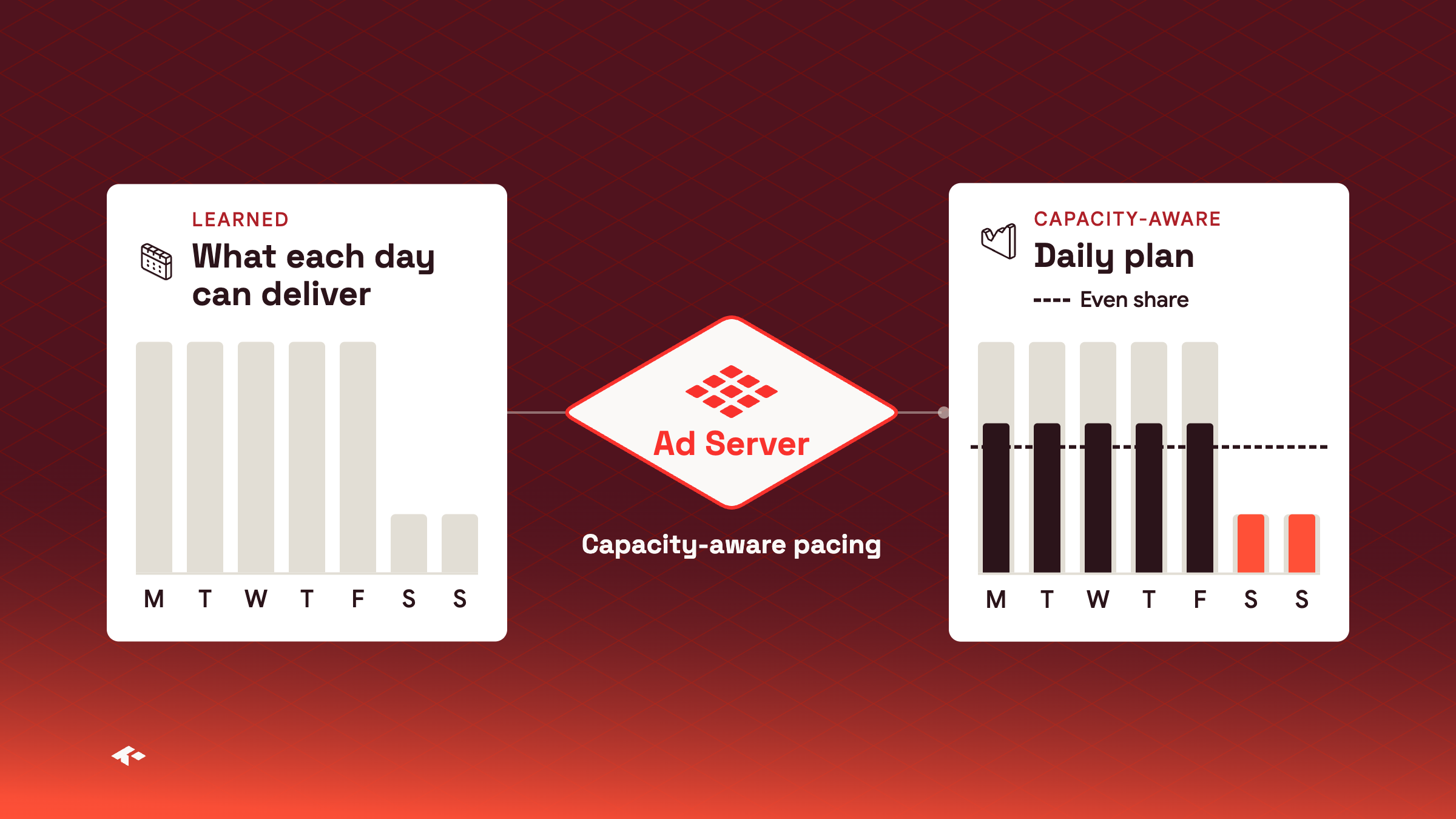
Pacing can now plan each day of a Flight around the traffic that day of the week brings. Without it, pacing assumes every day can take its share of what is left of the goal, and corrects after a quiet day. With it, pacing plans a quiet day, like a weekend day, at what it can deliver and spreads the rest of the goal over the other days. It learns from the Flight's recent delivery. It helps most with a Revenue goal that spans weeks or a Monthly Revenue goal. It does not apply to Percentage goals, Flights set to full speed or goals set on an Ad, and it settles after about a week of delivery.
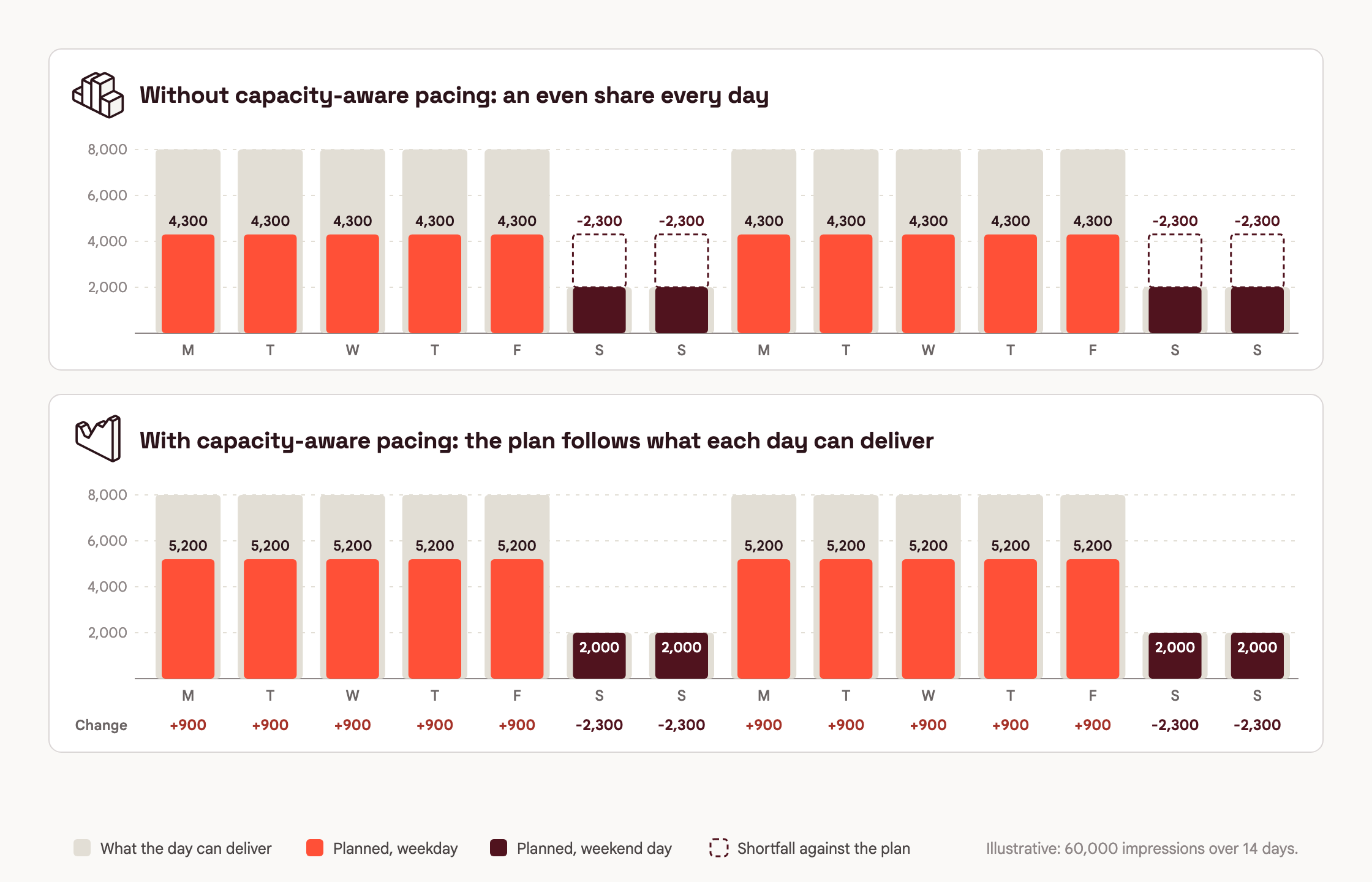
Good for Revenue goals that run over weekendsQuiet days are planned at what they can deliver, so the goal isn't rushed to catch up.
In previewAsk your Kevel account team to turn it on for your network, or for selected Campaigns or Flights.
Learn more about capacity-aware pacing
Requests with a time override skip frequency capping
A Decision API request that sets time asks for decisions as of a time other than now, for example for in-store screens that fetch Ads ahead. Frequency capping no longer applies to those requests. Kevel does not check the user's caps on the Ad, Flight, Campaign or Advertiser, and the impressions from those decisions count toward no cap. Caps are counted in real time, so they cannot account for a decision made for another time. This applies when time is an integer, as the reference describes.
{
  "time": 1790000000,
  "placements": [
    { "divName": "div0", "networkId": 1234, "siteId": 123456, "adTypes": [5] }
  ]
}
Frequency caps don't apply to these requestsTo apply frequency caps, request the decision without time when the Ad is shown.
Learn more about frequency capping and the time override
City targeting in the forecasting tools
The forecasting tools in the Ad Server UI now handle city targeting. The forecast availability widget on a Flight includes the Flight's cities. Targeting sets and the Forecast Explorer have a City field below Region, and the Forecast Explorer can group results by City ID.
Learn more about the Forecast Explorer
Console
Notifications in Console
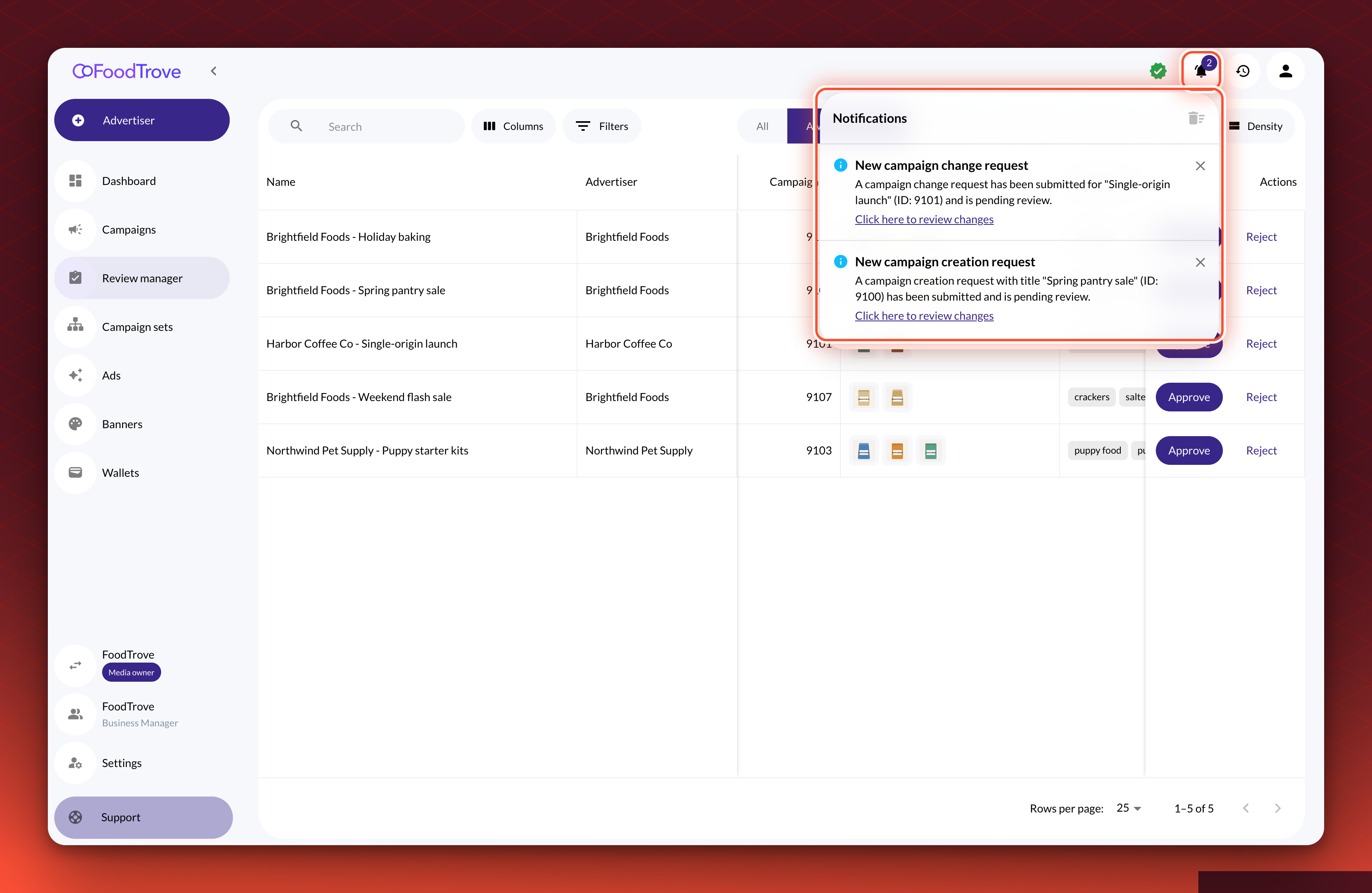
Console's notification bell now handles campaign review alerts by role. Media owner reviewers get new campaign requests in the bell only, without a pop-up. Advertisers get each decision in the bell and as a short message at the top of the screen, and closing the message leaves it in the bell. Most notifications link to the screen where you can act on them. At most three messages show at the top right of the screen at once, and when another arrives the oldest one closes.
Learn more about in-app notifications in Console
Single sign-on for advertisers in Console
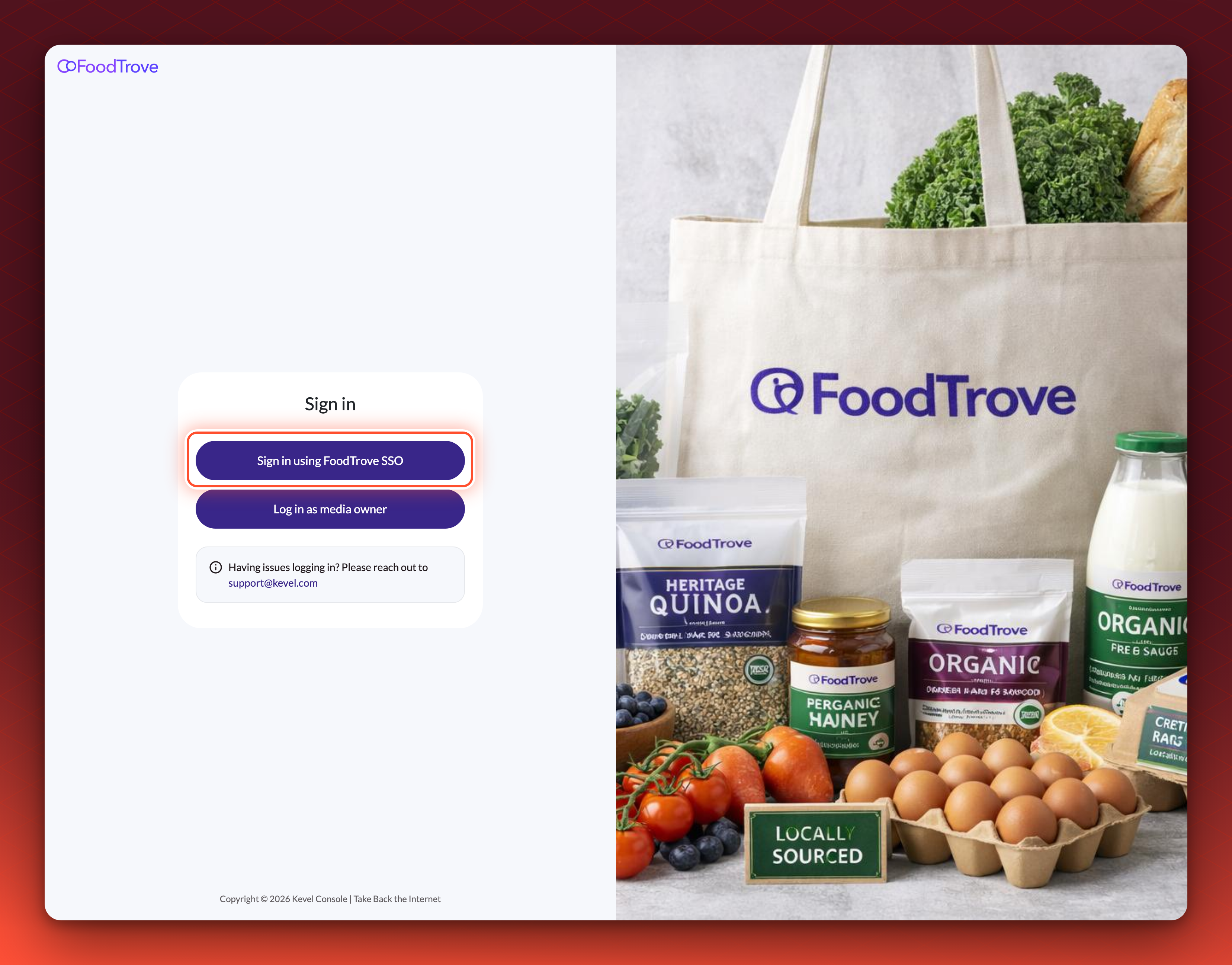
If you offer Console to advertisers, Kevel can now connect your branded Console to your own identity provider, using OpenID Connect, so advertisers sign in with it instead of a Console password. An admin still invites each advertiser user by email. The user confirms the invitation, then signs in through your identity provider, and Console matches the sign-in to the invited account by email address. Password sign-in stays on while you test, and Kevel turns it off once every advertiser user can sign in through your identity provider, unless you ask to keep it. Kevel sets Console SSO up for you: send your issuer URL, client ID and client secret to your Kevel representative.
Access is still managed in ConsoleWhich advertisers a user can reach, and their role, are still set in Console. Sign-in always starts at your Console address, and removing someone from your identity provider does not remove their Console access, so remove them in Console as well.
Audience
External Segments API
Users can now manage External Segment details and memberships via API, instead of through offline data imports. This allows for instant updates to segment memberships, as users are known to have entered or exited a certain segment, improving targeting in the Ad Server side.
Head over to the Segment Manager API documentation to learn more about the new endpoints and how to use them.