
Branded login page
Custom-labeled, branded login experience for Console advertisers
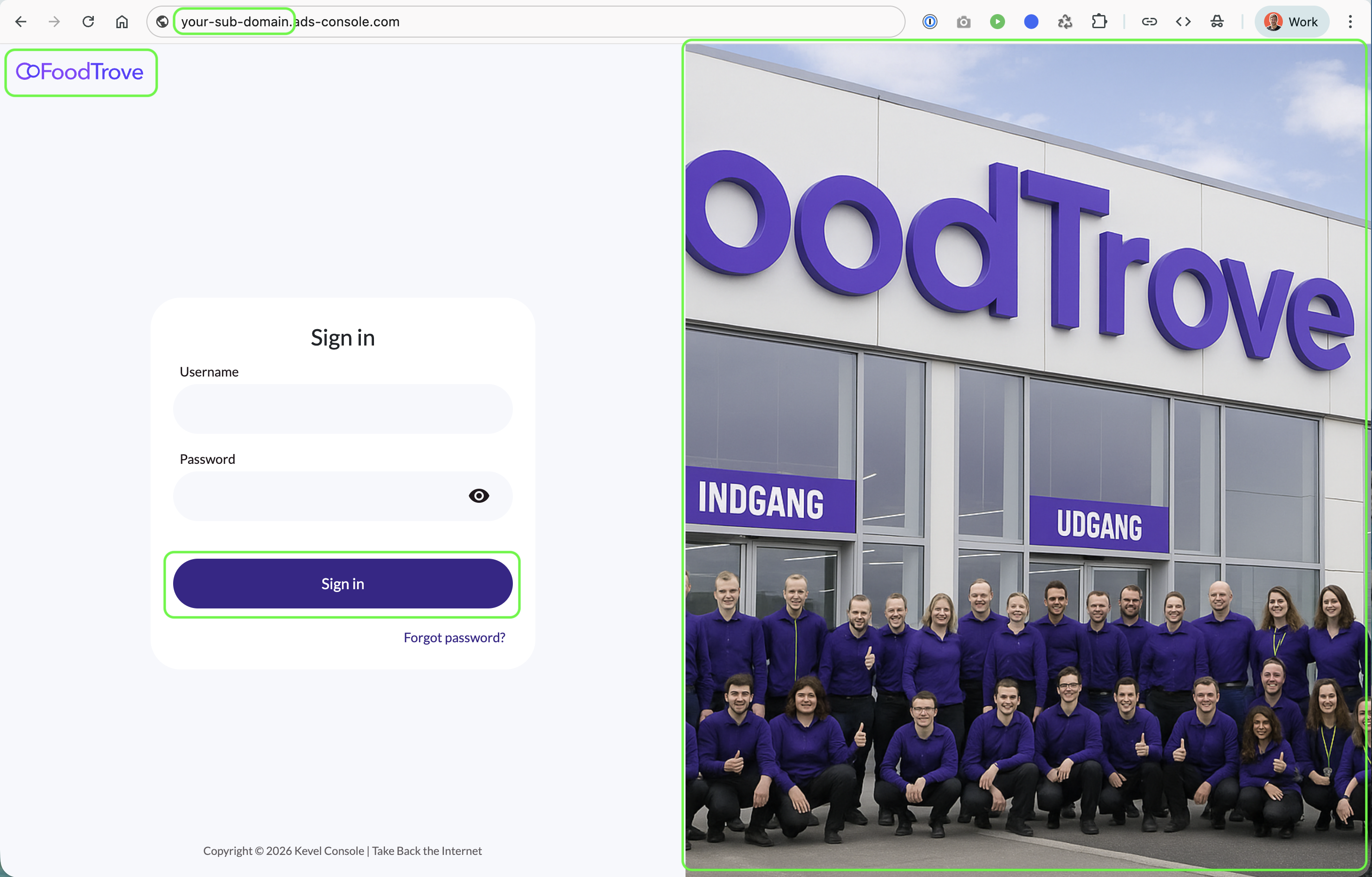
Console enables you to deliver a custom-labeled self-service login experience for your advertisers.
Build trust and brand with your partners with a custom subdomain, theming, and identity-based authentication.
Who It’s For
- Media owners – Provide a branded, trusted entry point into Console
- Advertisers – Sign in through a familiar, brand-aligned experience
When to Use It
Use this feature when you want to:
- White-label the Console login experience
- Serve Console through a branded subdomain or custom domain
- Ensure all authentication and password flows are consistent and centralized
How It Works
- Branding and domain settings are configured for the Console Business Manager
- Advertisers access Console through the branded login URL
- Identity applies branding and handles all authentication and password flows

How to Enable It
Custom branding is enabled by Kevel.
To get started or make changes, simply contact your Kevel account manager. They’ll help you:
- Enable custom branding for your Console
- Upload or update your logo and cover image
- Configure your primary brand color for the login experience
Changes appear quickly once configured.
Updated 6 months ago