
Introduction to Kevel Console
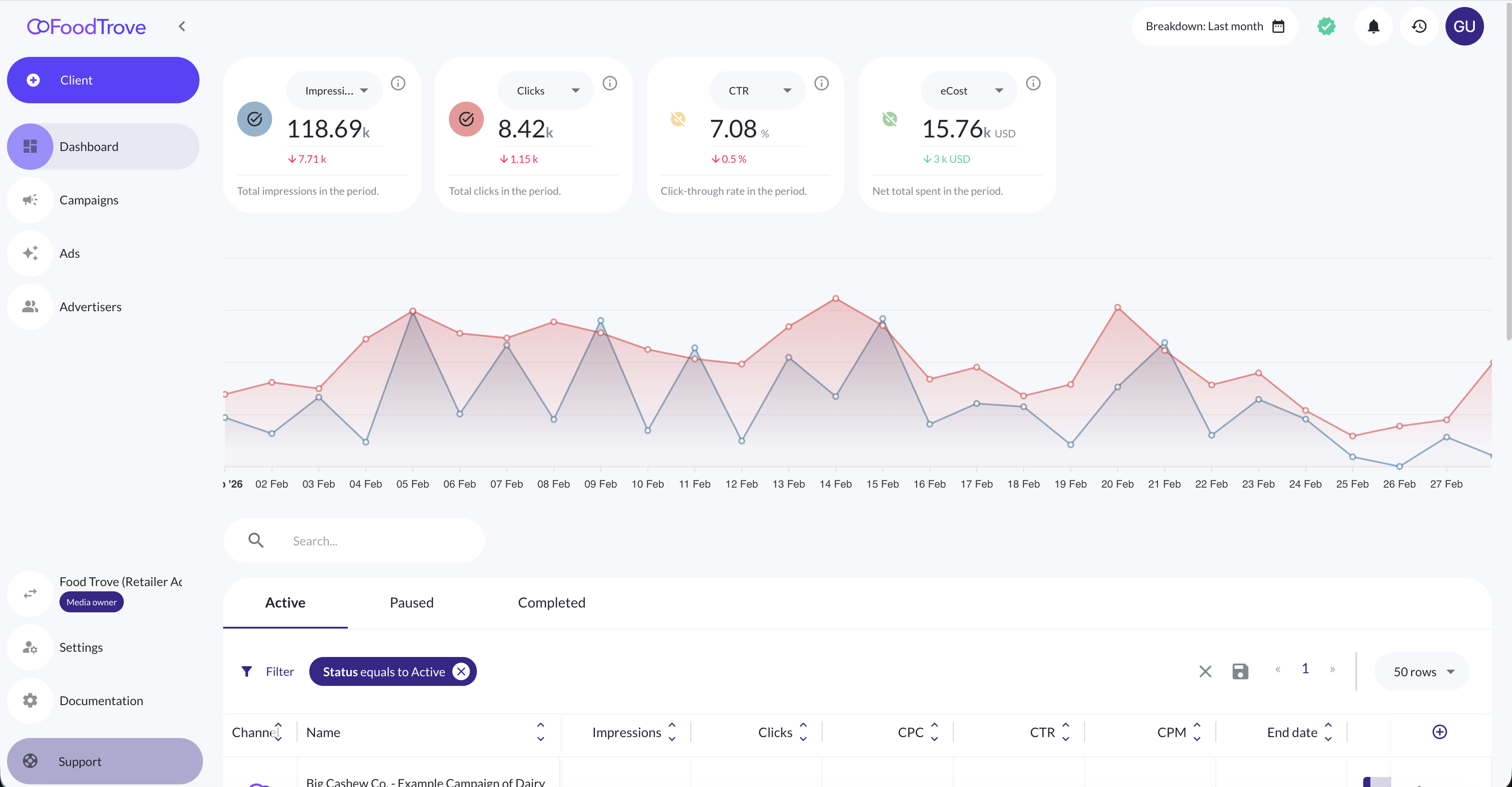
Kevel Console is Kevel's omnichannel advertiser self-serve UI. It gives media owners a way to put campaign management and reporting directly in the hands of their advertisers across both onsite and offsite channels without requiring a managed-service workflow at every step.
For advertisers, Console provides a single place to create and manage campaigns, monitor performance through consistent reporting workflows, and iterate quickly on their own terms.
Why advertiser self-serve?
Advertiser self-serve unlocks meaningful scale for media owners by removing the bottleneck of ad operations teams from routine campaign setup and measurement tasks.
This model is valuable across many media business types, but it is especially well-suited to retail media and commerce media networks, where the volume and variety of advertiser relationships make managed service difficult to sustain:
- Media owners need to support a large number of advertisers with varying levels of sophistication
- Advertisers want to iterate and optimize faster than a centralized ops team can support at scale
- Onsite and offsite spend increasingly need to work together under a single reporting view
- Reporting consistency is foundational to advertiser trust and retention
When advertisers can see their own data, adjust their own campaigns, and act on insights without filing a ticket, the relationship between media owner and advertiser becomes more durable — and more scalable.
Console is customizable to your use case
Like the Kevel Ad Server, Console is fundamentally configurable. Media owners shape Console to reflect their business model and the advertiser experience they want to deliver through their Console Business Manager.
Customization spans several dimensions:
- Branding – Tailor your Business Manager's colors, logos, URL, and login page to match your brand. Campaign type appearance and connected channel display are also configurable. See Custom branding** for details.
- Channel connections – Control which channels are available to which advertisers, and which campaign types are permitted per channel.
- Campaign controls – As the media owner, you define the types of campaigns advertisers are able to create.
- Performance metrics – You choose which performance metrics are surfaced per channel, ensuring advertisers see what's relevant to their business without exposing data you'd prefer to keep internal.
A note on Console Business Manager customization
Console customization operates at the Business Manager level, which means different Business Managers — say, for two separate retail banners under the same parent company — can have entirely distinct branding, channel configurations, and metric sets. This allows a single media owner to run differentiated advertiser programs without maintaining separate technical infrastructure for each.
Operations in Console
Console includes reporting for all self-serve campaigns created through the platform, giving advertisers full lifecycle management over their activity:
- Create – Launch new campaigns directly within Console
- Read – Monitor performance through configurable reporting views
- Update – Adjust live campaigns without ops team involvement
- Delete – Remove campaigns when needed
Media owners can also restrict specific advertiser users to read-only access, allowing those users to view campaign performance without the ability to make changes. This is useful for stakeholders who need visibility but shouldn't have edit rights.
Reporting configuration is granular:
- Metrics can be set per Business Manager and per channel
- Media owners control which performance fields are visible to advertisers
This ensures advertisers get the insights they need, while media owners retain control over measurement, data visibility, and the overall platform experience.
Console for managed service workflows
Self-serve is the primary model Console is designed around, but it is not the only one. Media owners whose ad ops teams manage campaigns on behalf of advertisers can use Console in a managed service capacity — without any change to the underlying platform.
Because managed service and self-serve operate through the same UI with the same tooling, Console gives media owners flexibility to support both models simultaneously, or to transition advertisers from one to the other over time. A new advertiser might start on a fully managed basis, then gradually take on more campaign ownership as they grow comfortable with the platform.
The distinction between managed service and self-serve in Console comes down to user permissions, not separate configurations or products. In a managed service workflow, the media owner's ad ops team holds full edit access and operates campaigns on the advertiser's behalf. Advertisers in this model can be given read-only access to their own reporting — maintaining visibility into performance without the ability to make changes — or can be kept off the platform entirely until a self-serve transition makes sense.
A note on mixing managed service and self-serve within a Business Manager
A single Business Manager can support both managed service and self-serve advertisers at the same time. User permissions are set at the advertiser level, so a media owner can run some accounts as fully managed, grant others partial access for reporting, and give high-sophistication advertisers full self-serve control — all within the same Console environment. This makes Console a practical fit for media owners at any stage of their self-serve maturity.
The Console entity model
A Console Business Manager is the top-level organizational unit in Console. As a media owner, you can operate one Business Manager or many — each independently configured.
A note on how Console maps to the Kevel Ad Server
Each Console Business Manager maps directly to a network in the Kevel Ad Server. For media owners using Console without the Kevel Ad Server, the Kevel network functions as a lightweight placeholder for user management and other media owner tools — it doesn't require a full ad serving integration to be useful.
Each Console Business Manager has its own:
- Branding and visual customization
- List of connected advertisers
- Connected channels — such as Meta, Google, and Adform
- Configuration rules governing campaign types, available metrics, and access controls
Understanding the Business Manager as the core unit of organization in Console makes it easier to plan how you structure your advertiser programs, especially if you operate across multiple brands, geographies, or channel strategies.
Updated 7 months ago