
Accessing Console as a Media Owner
Kevel uses a unified authentication system that provides media owner users and advertiser users with separate login experiences. This page covers how to log in, how to enable SSO for your team, and where to manage users.
Logging in as a media owner
The Console login page is for advertiser users only. As a media owner user, click Are you a media owner? Log in here on the Console login page.
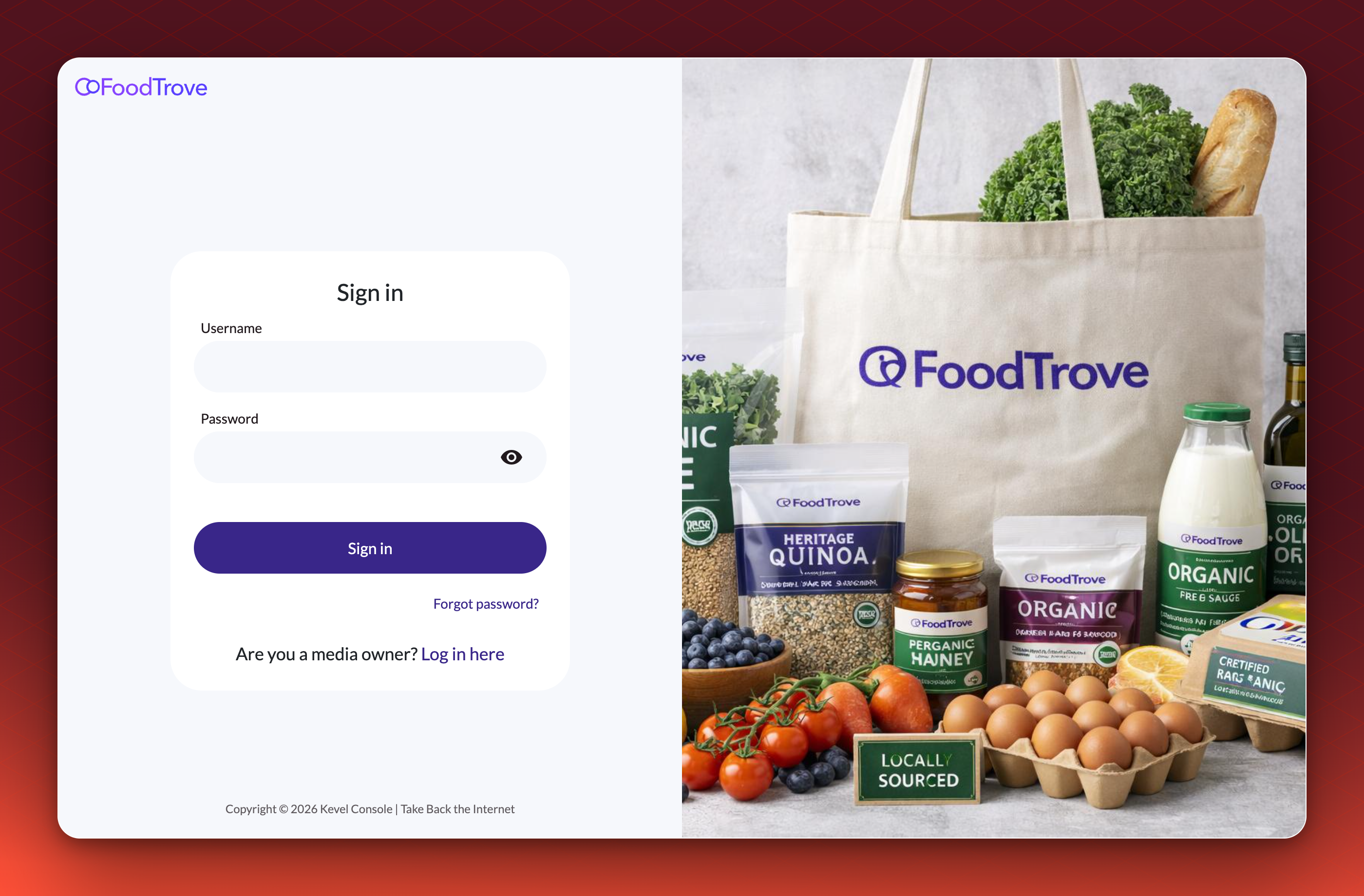
If an advertiser lands on the media owner login page, they can click "Are you an advertiser? Log in here" to reach the correct page.
What the media owner sign-in looks like
- Enter your work email address. Select Continue.
- Let Kevel find your organization. Kevel identifies your organization from the email address and continues sign-in with the method your organization has set up. If Kevel does not recognize the address, select Enter your organization code instead. See Ad Server SSO for how the organization code works.
- Accept the terms if asked. If your organization has not yet accepted the Kevel terms, you are asked to accept them before you continue.
Old Console credentials no longer work for media ownersIf you used to sign in to Console as a media owner user with a username and password on the Console login page, that no longer works. Use the media owner login above. Console shows a general sign-in error rather than saying why.
SSO for media owner teams
SSO (Single Sign-On) is available for media owner users. When enabled, your team members authenticate through your organization's identity provider rather than managing separate Kevel credentials.
Learn more here: Single Sign On
Switching between business managers
If you operate more than one Console business manager (for example, separate environments for different banner stores, or for dev and production), you can switch between them while remaining logged in.
See details here: Switch between business managers
User management
Media owner user management lives in the Ad Server UI. See details here: User Management
Advertiser user management remains in the Console UI and is unaffected.
A note on user management locationsMedia owner and advertiser users are managed in separate places by design. The Ad Server UI handles your media owner team, while the Console UI handles advertiser users.
It's worth making sure the right people on your team know where to go for each user type.
For details on roles, permissions, and team setup, see the user management and user permissions documentation.
Updated 18 days ago