
Switch between business managers
Move between business managers without logging out
Once you're authenticated as a media owner, all business managers tied to your user are accessible from a single session. You can easily move between any business manager associated with your account.
Who this applies to
This feature is available to any Console user whose account is linked to more than one business manager under unified authentication. Common scenarios media owners that:
- Operatie separate business managers for different banner stores or brand properties
- Maintain distinct dev and production Console environments
How to switch business managers
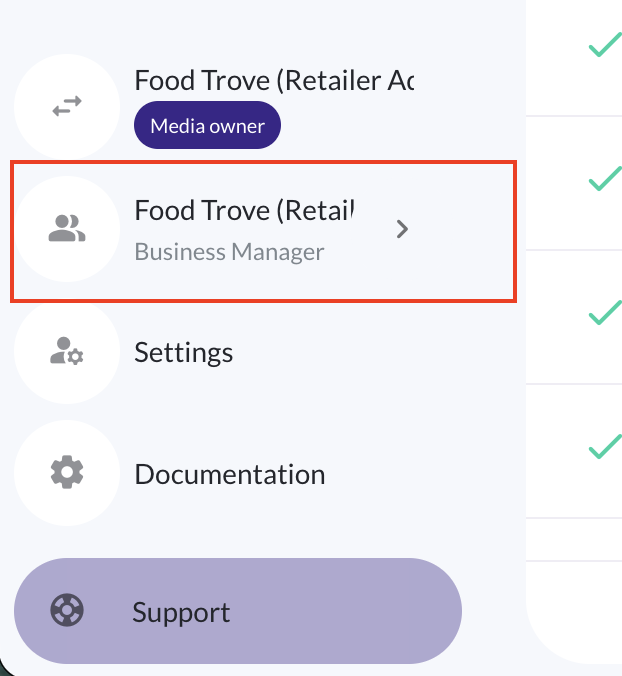
To switch Console business managers, click your business manager name in the lower left corner of the navigation bar.
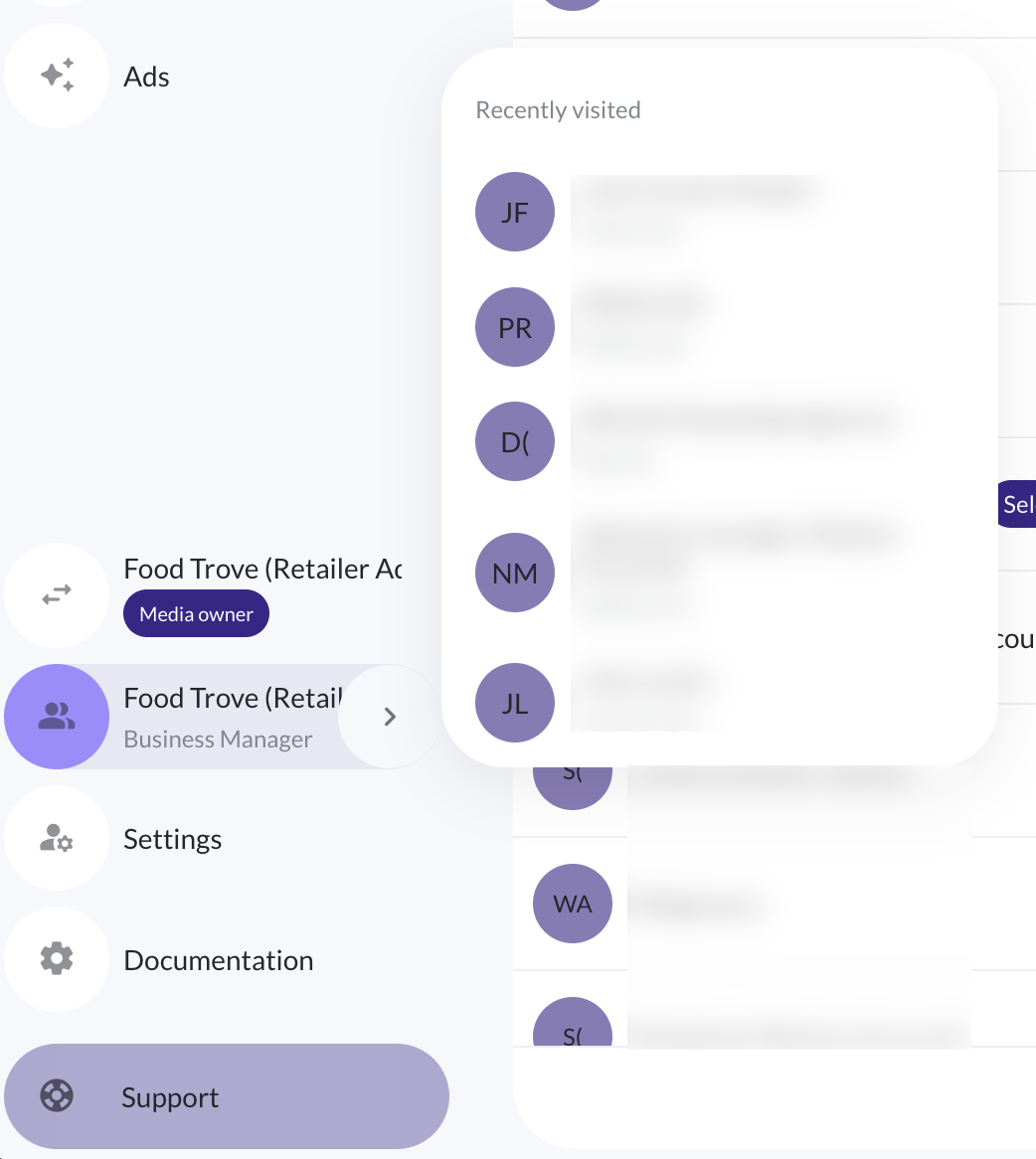
Hover to quickly access a list of recently viewed business managers, and click to access one.
Or, click "see all business managers" to access the full list of business managers you can access.
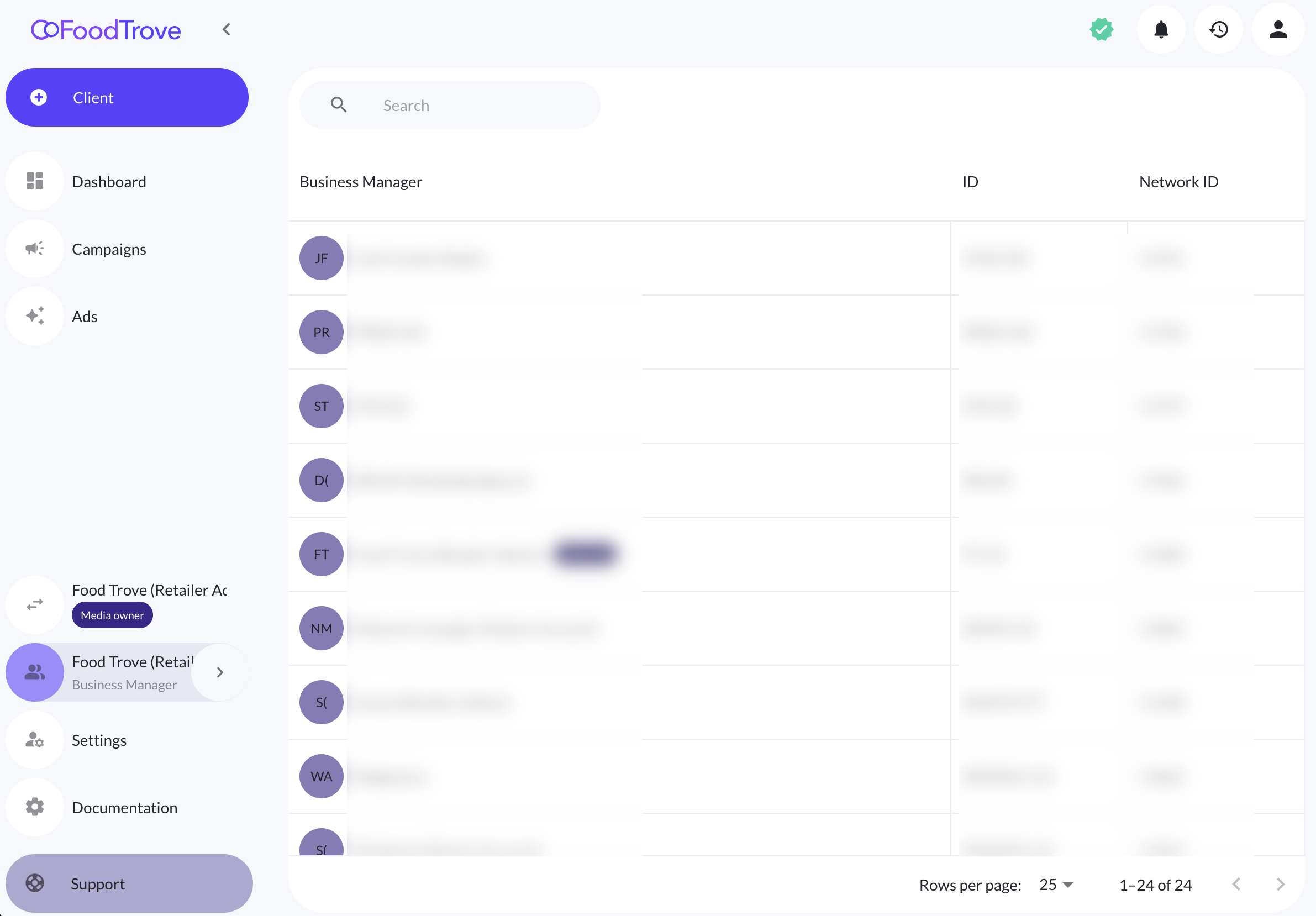
Click any business manager in the list to switch to that one.
Updated 4 months ago