
Inventory Forecasting
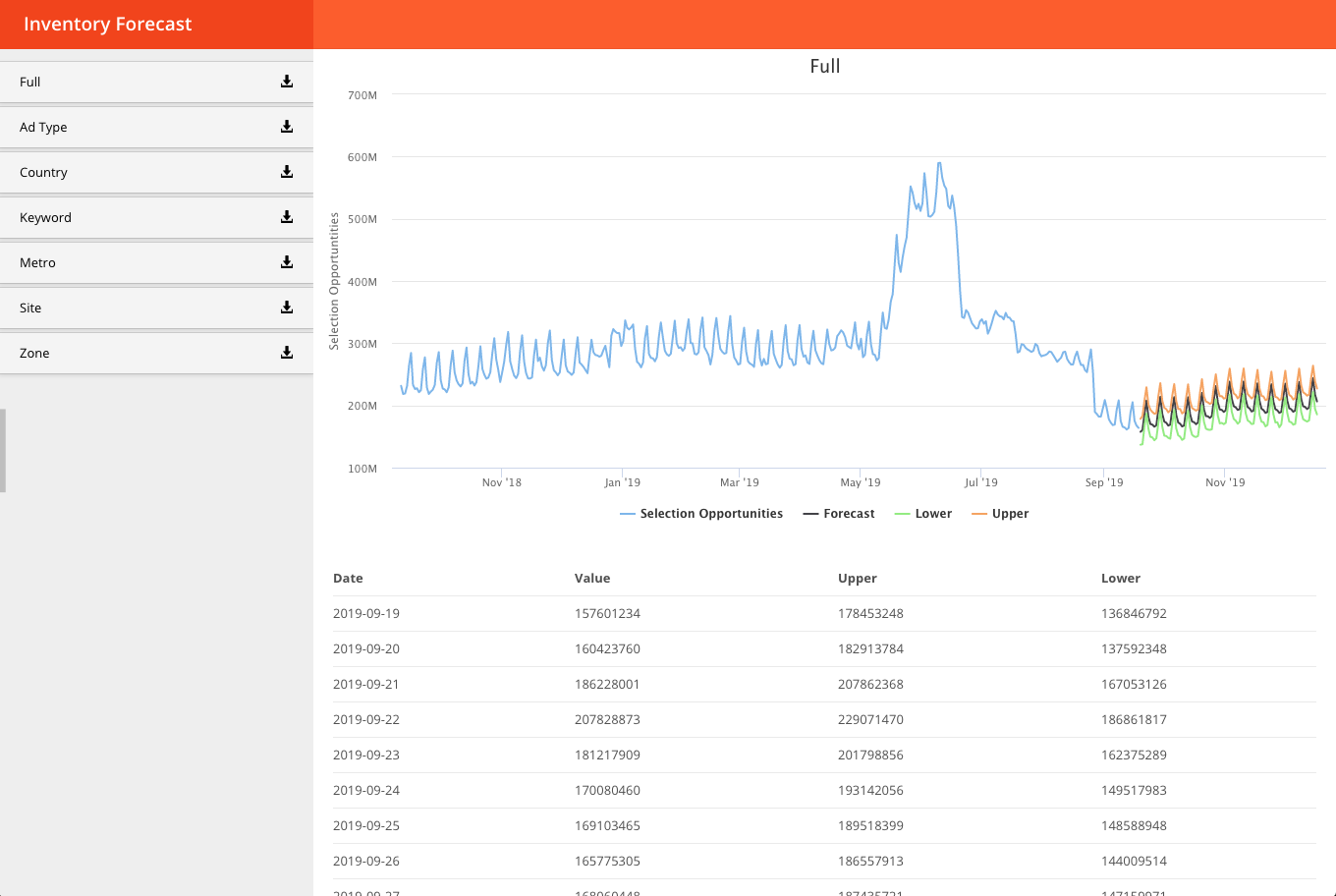
Inventory forecasting gives you insight into your historical and future selection opportunities across various dimensions, such as sites, ad types, keywords, etc. Each inventory forecast report contains:
- Past selection opportunities per day
- A forecast of future selection opportunities per day
- Projected upper and lower limits to account for uncertainty around the forecast
Inventory forecasts are in Beta. Please contact your account manager to get started. The feature and this documentation are subject to change at any time.
90 days is required for the ramp up period for Inventory Forecasting.
What Is A Selection Opportunity?
Every placement in an ad request will generate a decision, and if the ad engine chooses to serve an ad for that placement, that ad will be returned in the response as a selection. However, some decisions result in blanks, i.e. no ad is returned.
Selection opportunities are defined as the number of selections plus blanks. In other words, selection opportunities are the number of potential ads that could have been returned per placement in a given period of time. ("Potential ads" includes ads that were actually returned in the response.)
Tracking potential ads via selection opportunities gives insight into the size of your inventory, and this insight enables selection opportunities to act as a metric for forecasting. By extending trends into the future, inventory forecasting reports on the expected change in your inventory size for a given ad request dimension.
Note that selection opportunities are not equivalent to impressions, clicks, or any other event. Events are optional and can be registered only after selections occur.
How Inventory Forecasting Works
Inventory forecast reports are projected 90 days into the future and also include past selection opportunities. The forecast takes into account the unique seasonality of your data and its current trend. It also responds to shifts and changes in the trend over time.
In addition to a forecast value, the report contains the upper and lower bounds of the forecast that reflect the inherent unpredictability of the future. The bounds provide guidance as to the range of values we think possible given the historical data and trends.
The dimensions included in inventory forecasts are ad type, country, keyword, metro, site, and zone. If your network has more than 25 of one of these, the forecasts will include only the top 25 over the last 120 days that at least have 90 days worth of data.
Generating an Inventory Forecast
- Let your account manager know that you are interested in inventory forecasting. They will enable the feature for your network.
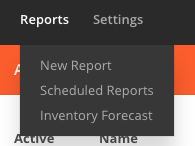
- In the Reports tab, click "Inventory Forecast".
- You'll be presented with a "Full" report, which contains an inventory forecast for your entire network.
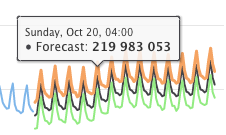
- Hover over an individual day to get a forecast for that day, or scroll down in the report.
- You can explore forecast reports by other dimensions on the left menu:
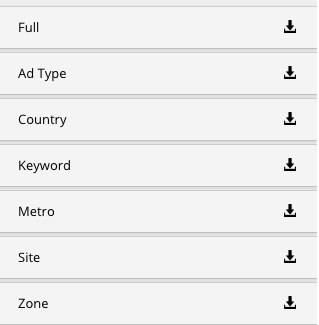
- Click the download icon next to a dimension name to download a CSV of forecast data.
Updated about 1 year ago